Free Mac menu bar app

Your playlists, in the menu bar.

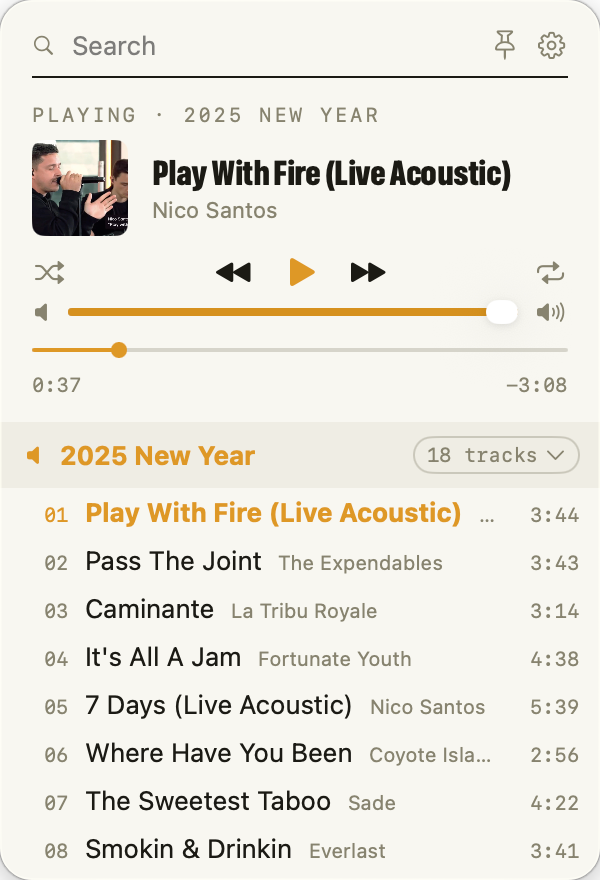
Playita is the light way to play the music you already own. No big window, no store, no subscription pitch. Click the glyph and your Music.app playlists are right there. Click one and it plays.

Coming to the Mac App Store

Free · macOS 26 or later

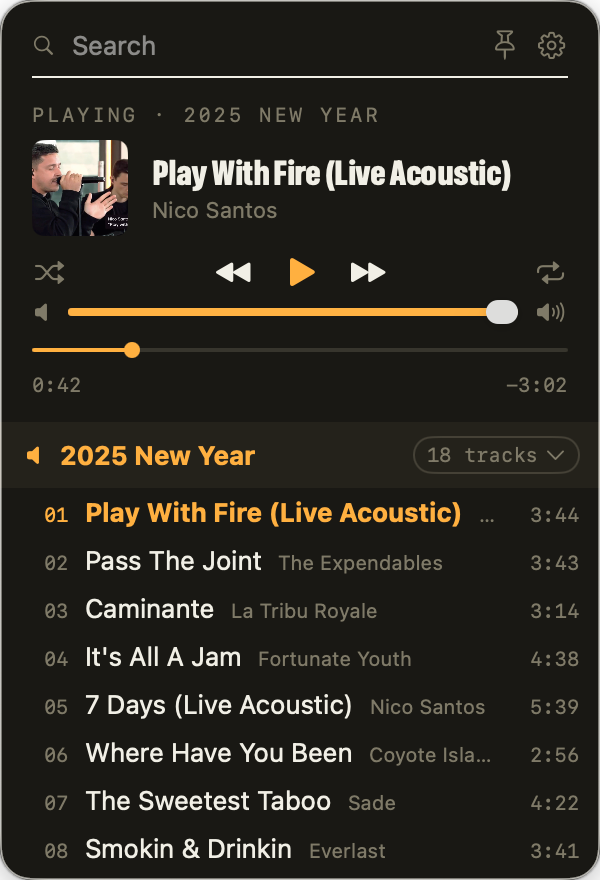
The Playita panel, open from the menu bar, with a song playing and a playlist open The Playita panel in dark mode, open from the menu bar, with a song playing and a playlist open

Lighter than Music.app

Opens in an instant

One click in the menu bar. Nothing to launch, nothing to arrange, nothing covering your work.
Plays, and that is all

No store, no radio, no suggestions. Your playlists, your genres, your songs.

Stays out of the way

Close it and it keeps playing. Media keys still work. Music.app never has to open.

Play it your way.

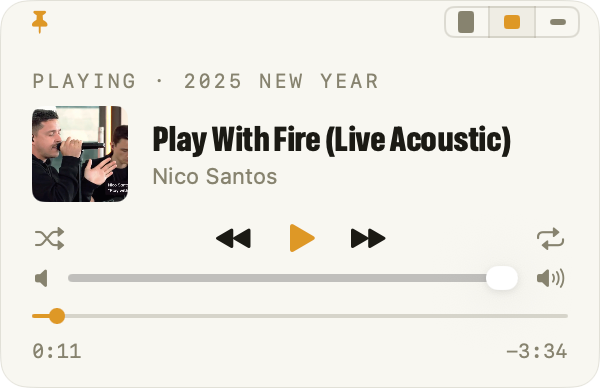
Open the panel from the menu bar. Pin it as a small floating player in three sizes. Or leave it closed and drive it from the media keys, the Control Center tile, AirPods, or a right-click on the glyph.
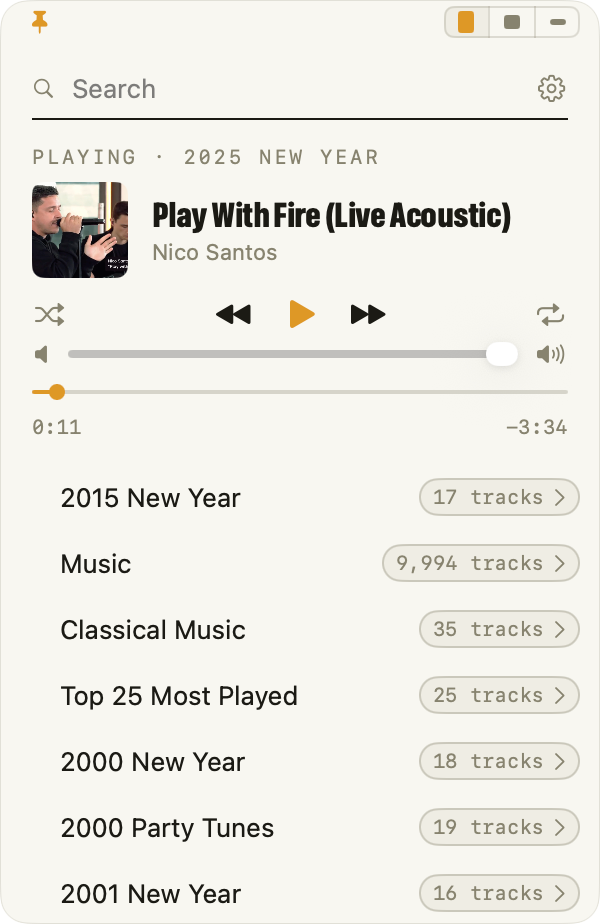
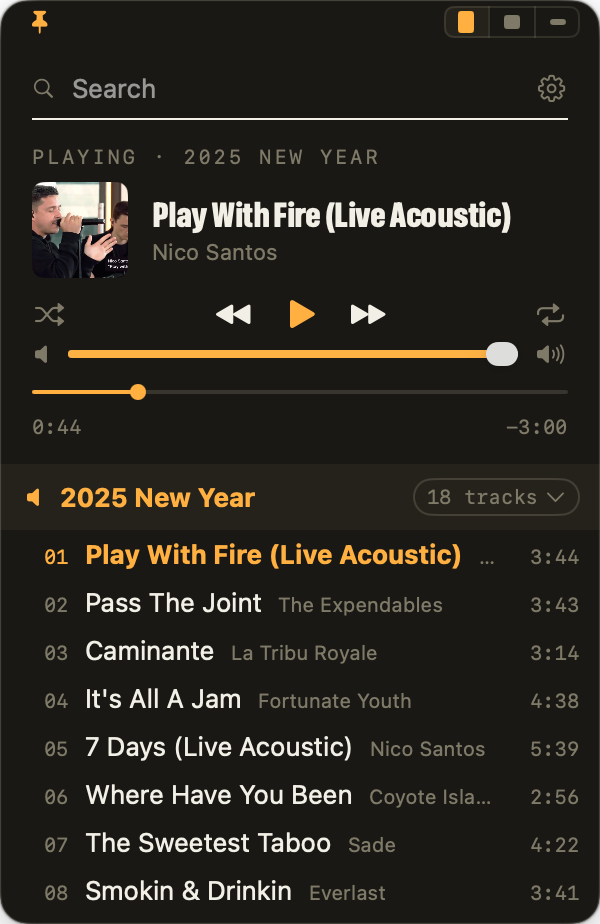
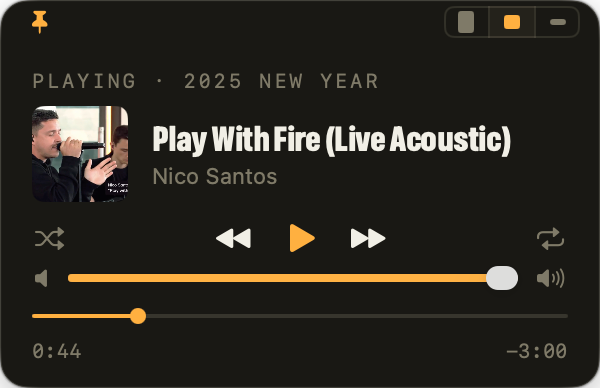
The pinned widget at Full size The pinned widget at Full size in dark mode
Full
The pinned widget at Compact size The pinned widget at Compact size in dark mode
Compact
The pinned widget at Mini size The pinned widget at Mini size in dark mode
Mini

Is Playita for you?

Playita is a player, not a library manager. It fits some people perfectly and others not at all. Here is the honest version.

Yes, if

  • Your music is in Music.app on this Mac. Ripped CDs, old iTunes purchases, files you added yourself.
  • You keep music in folders or on an external drive and want it in the same player.
  • You build playlists in Music.app and just want to play them without opening it.
  • You want media keys, the Control Center tile, and AirPods to control it.

No, if

  • You stream from Apple Music. Playita plays files on your Mac, not the catalog.
  • You want to edit playlists, tag songs, or rate them. Music.app owns that.
  • Your library is mostly older iTunes Store purchases with copy protection. Those cannot play outside Music.app.
  • You want a big window with column browsers. Playita is one narrow panel.

Small player, complete controls

Your Music.app playlists

Every playlist you already built, with its artwork, read straight from your library. Tap a name and it plays. Open one and pick a song.

Genre shuffle

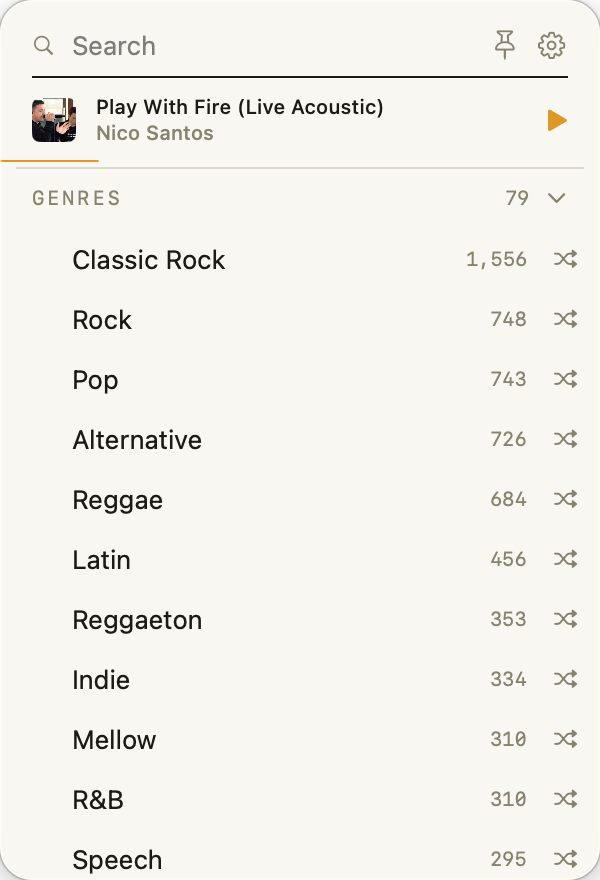
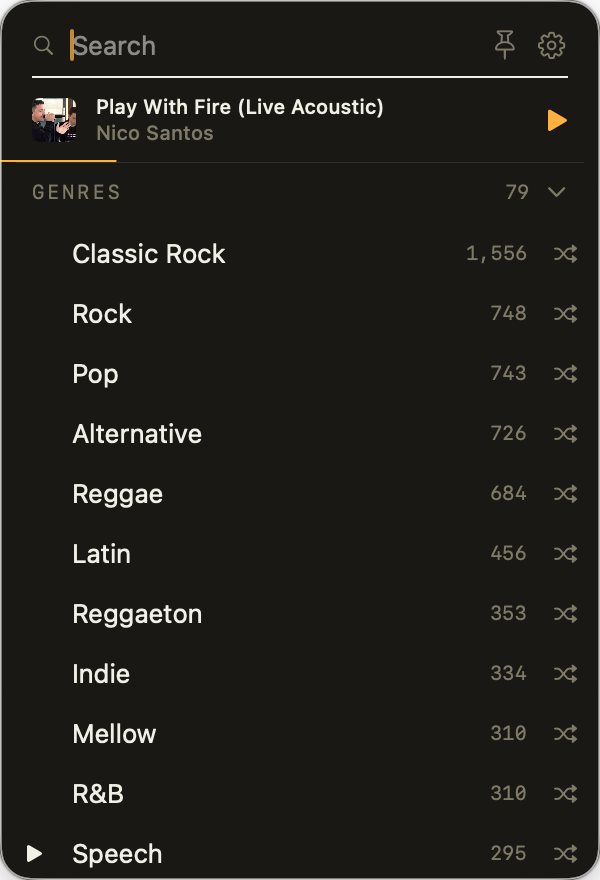
Every genre in your library, biggest first. Tap Jazz and the whole genre plays shuffled.

Search everything

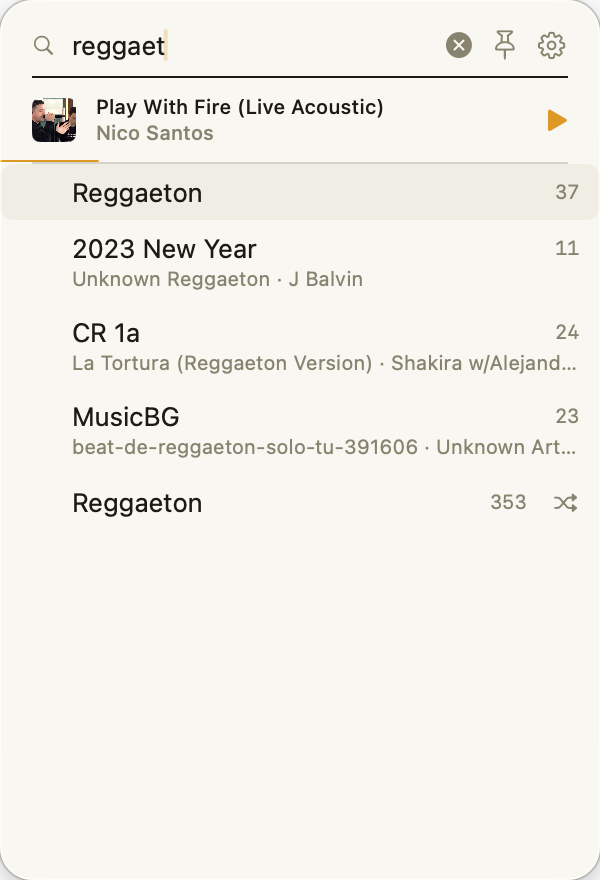
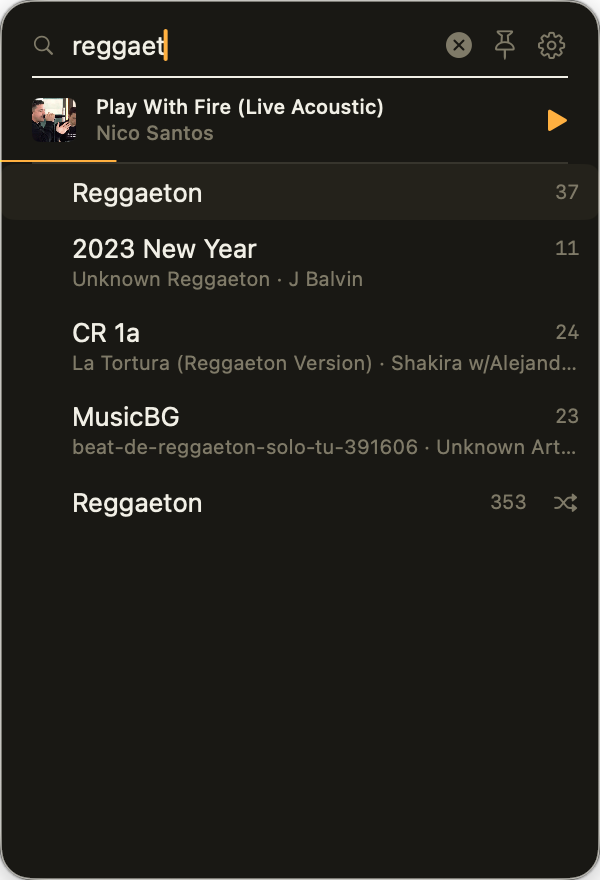
Type a few letters and see matching playlists, songs, and genres together. Return plays the top hit.

Music from folders and drives

Add a folder of mp3s from this Mac or a USB drive and it becomes a playlist. Unplug the drive and it waits. Plug it back in and the music returns.

Media keys and Control Center

The keyboard's play and skip keys, the Control Center tile, the lock screen, and AirPods all control Playita. You never need to open the panel to change a song.

Keyboard friendly

Arrow keys scroll, Space plays and pauses, and typing searches. The shortcuts are in the Guide.

Light and dark

Warm paper by day, dark paper at night. It follows the system or you pick one.

Nothing leaves your Mac

Playita has no network access at all. No account, no analytics, nothing to sync.

Optional track banner

Turn on a small notification with artwork whenever the song changes. It is off until you want it.
A closer look

Search results showing matching playlists, songs, and genres Search results in dark mode showing matching playlists, songs, and genres
Search playlists, songs, and genres at once.
The Genres group unfolded with song counts The Genres group unfolded in dark mode with song counts
Every genre in your library, ready to shuffle.
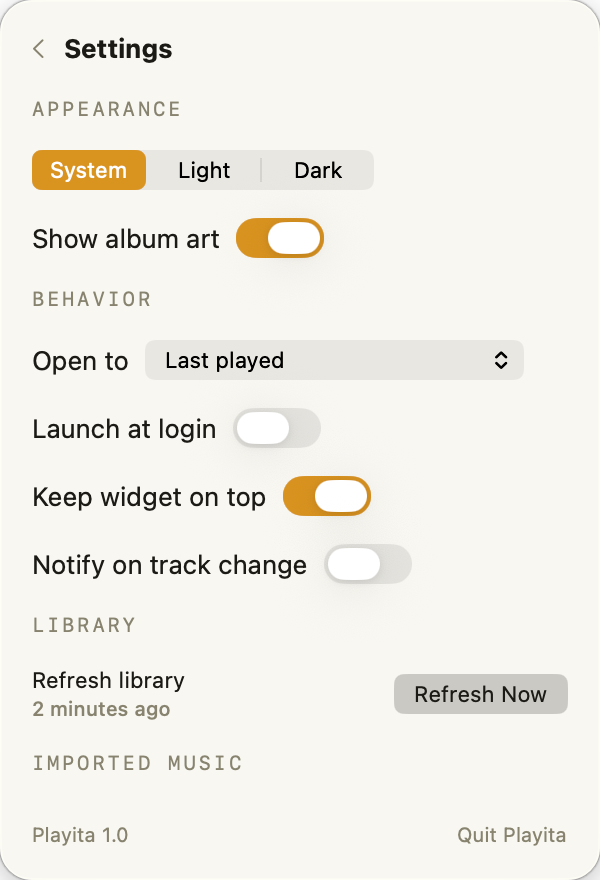
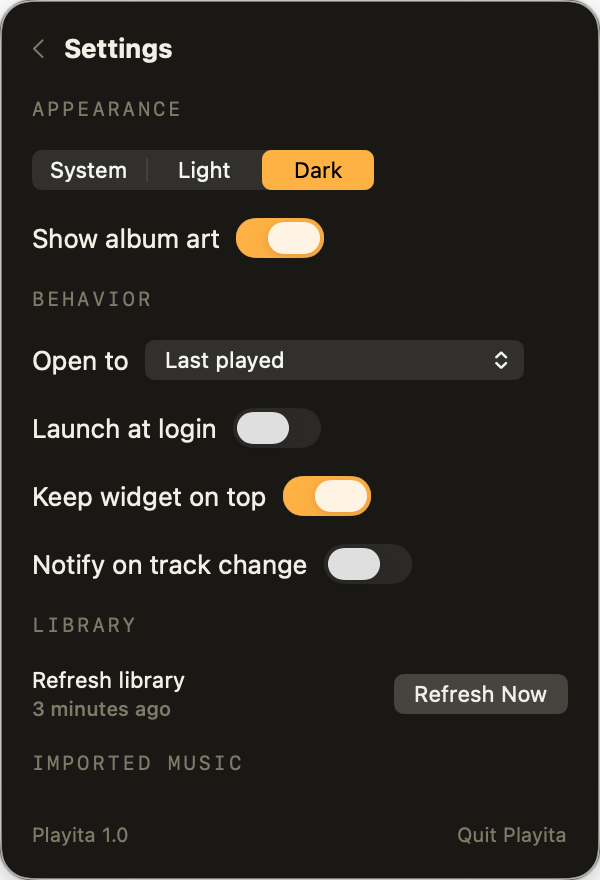
Playita settings with appearance, behavior, library, and imported music Playita settings in dark mode
A short Settings page. Appearance, behavior, library, imported music.

Play what you own.

Coming to the Mac App Store

Free · macOS 26 or later