Life admin, handled
Tag the utility bills “Monthly” and the tax portal “Yearly”. When the day comes, open them all at once — no digging through menus, no re-googling the login page.
Any site, any browser, one click — from anywhere on your Mac.

Free · macOS 26 or later
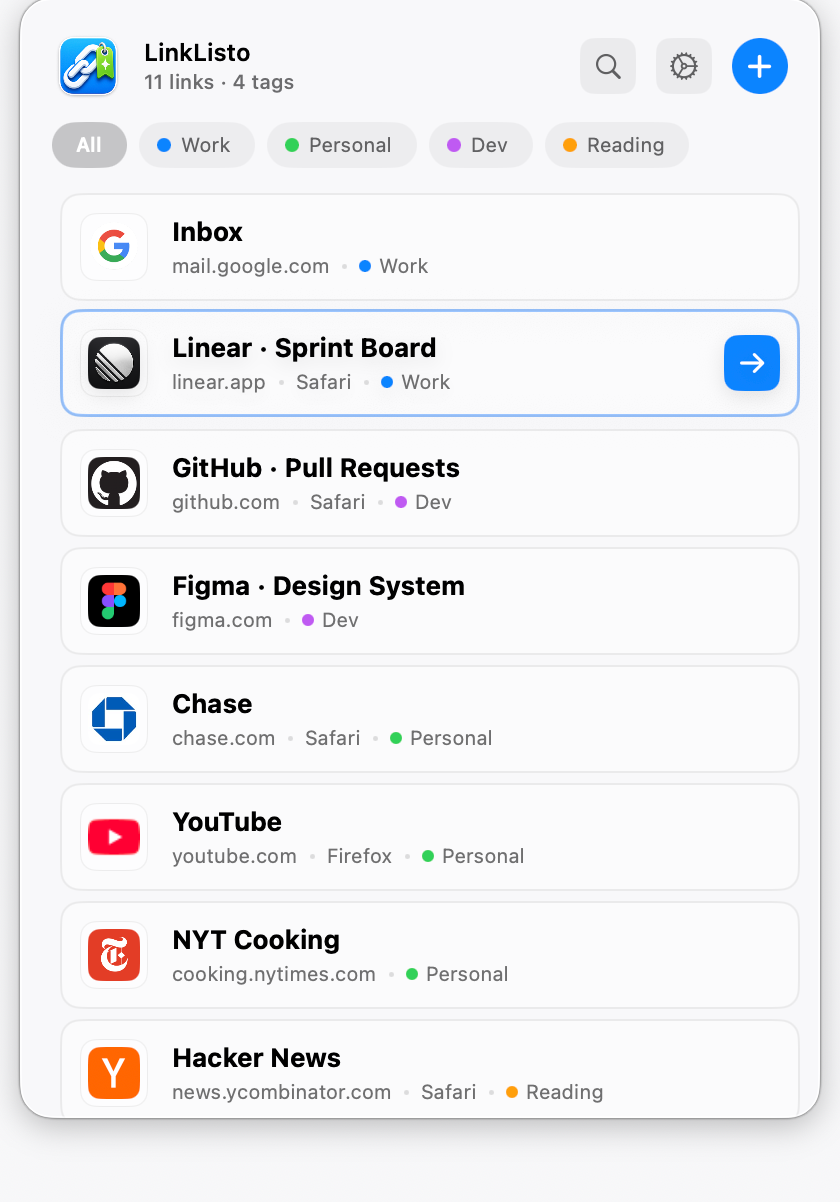
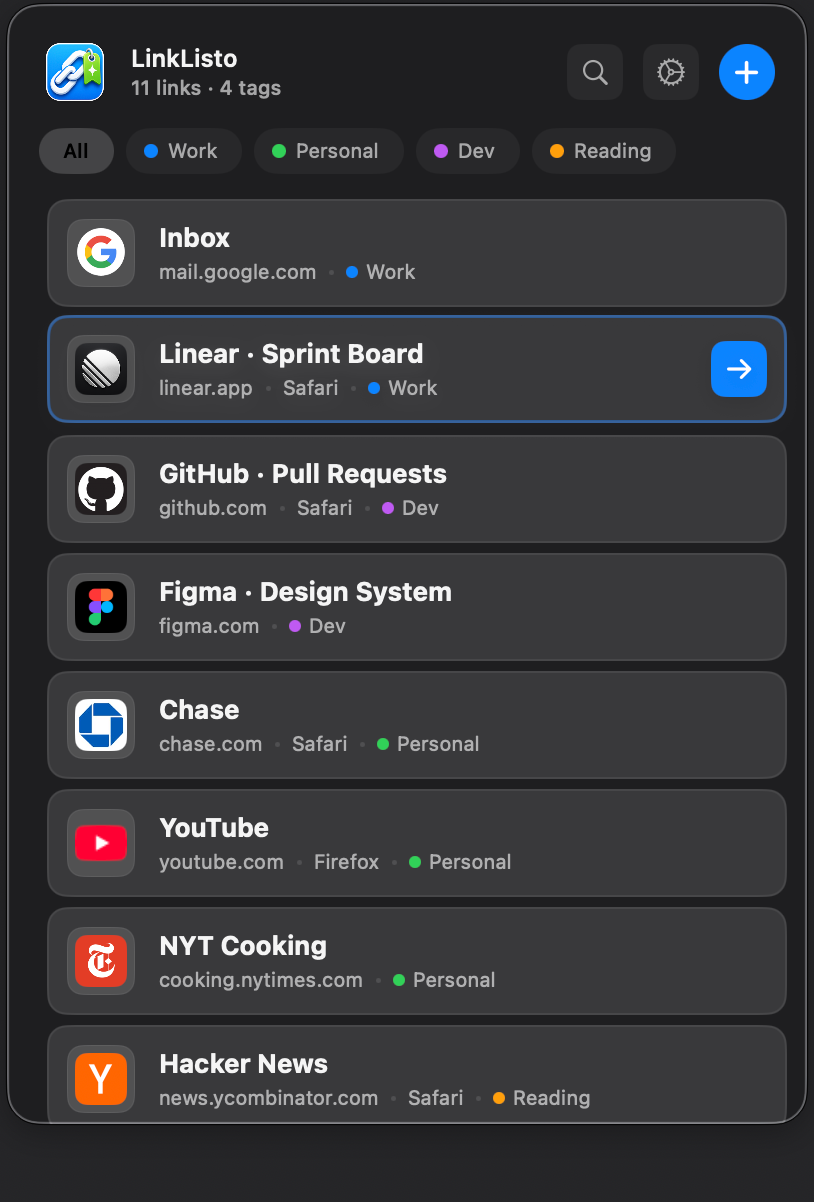
Bookmarks live in one browser — and whichever browser you saved them in is where they stay. LinkListo sits above all your browsers, so every link opens wherever it works best.
Tag the utility bills “Monthly” and the tax portal “Yearly”. When the day comes, open them all at once — no digging through menus, no re-googling the login page.
Work tools in Chrome, personal things in Safari. Every link remembers the browser it belongs in, so you never open one in the wrong place.
Add your site once for each browser you test with, tag them together, and Open all launches it in Safari, Chrome, Firefox, and Edge with one click.
Email, calendar, dashboard — one tag opens the whole kit while your coffee is still hot.
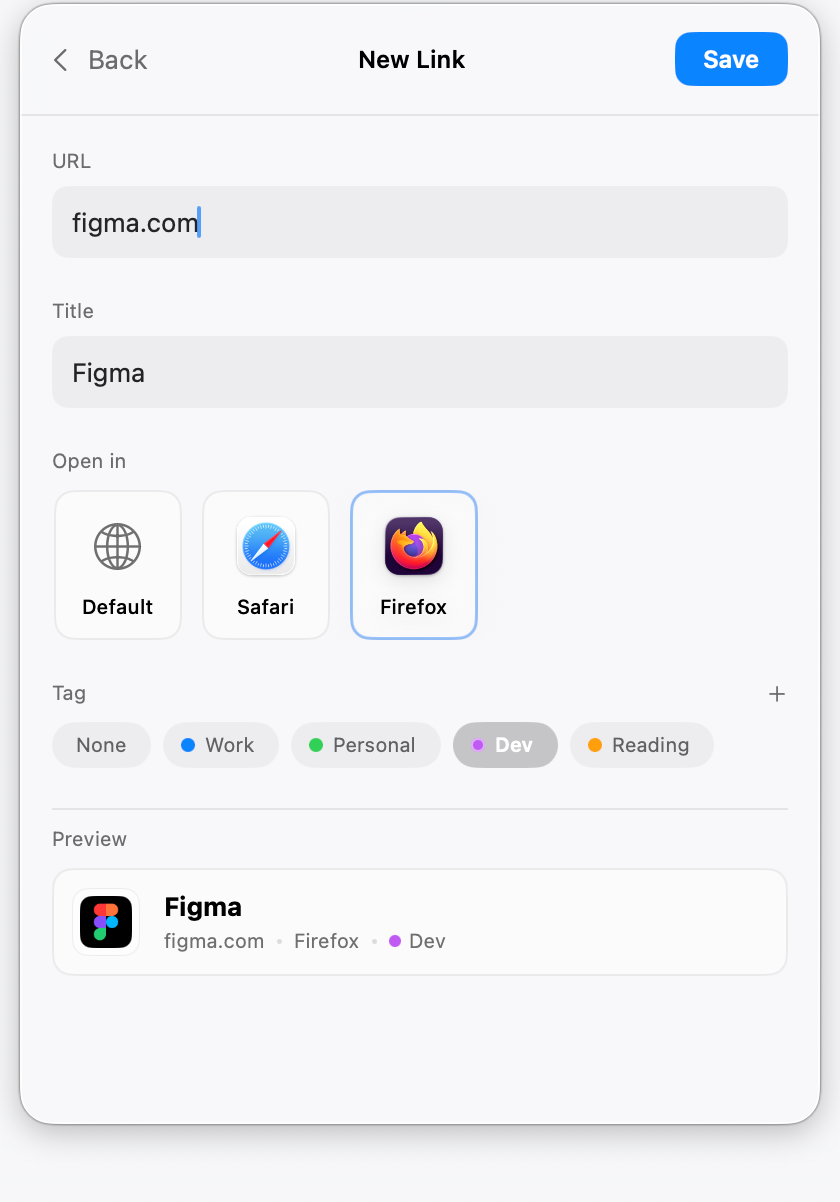
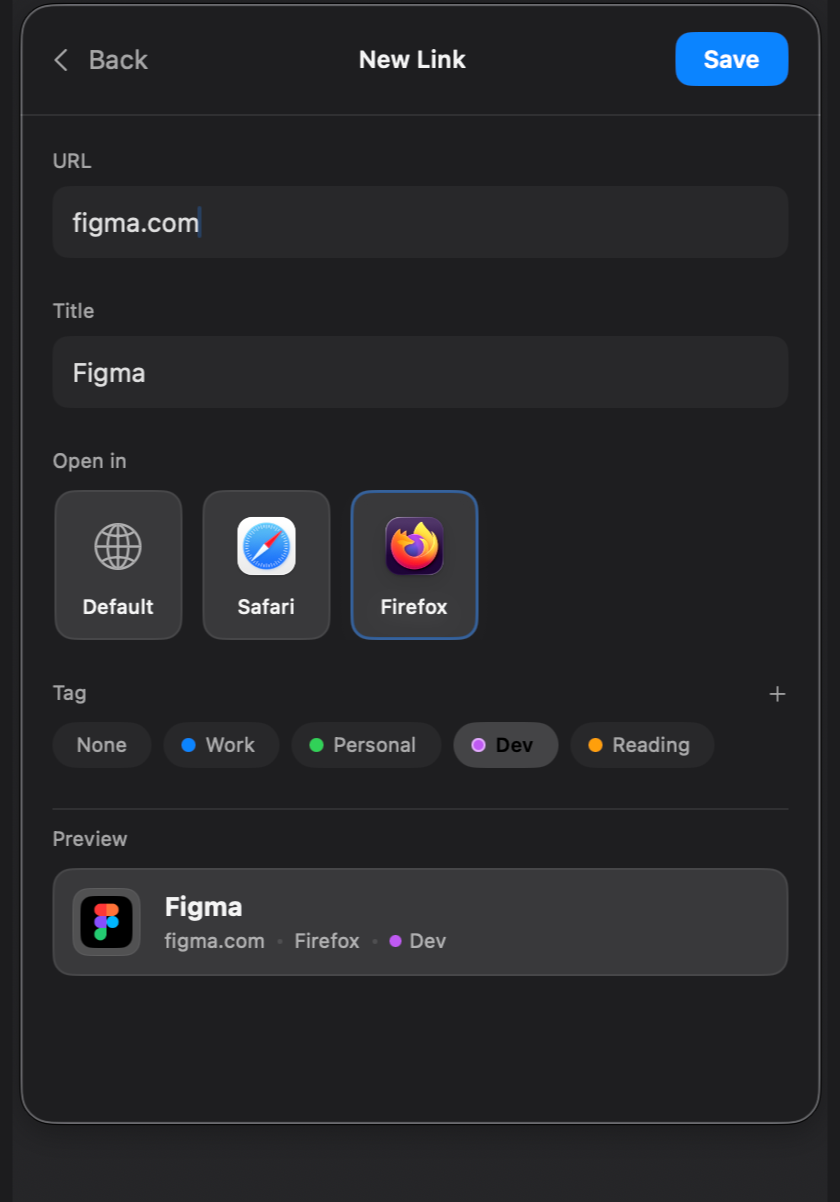
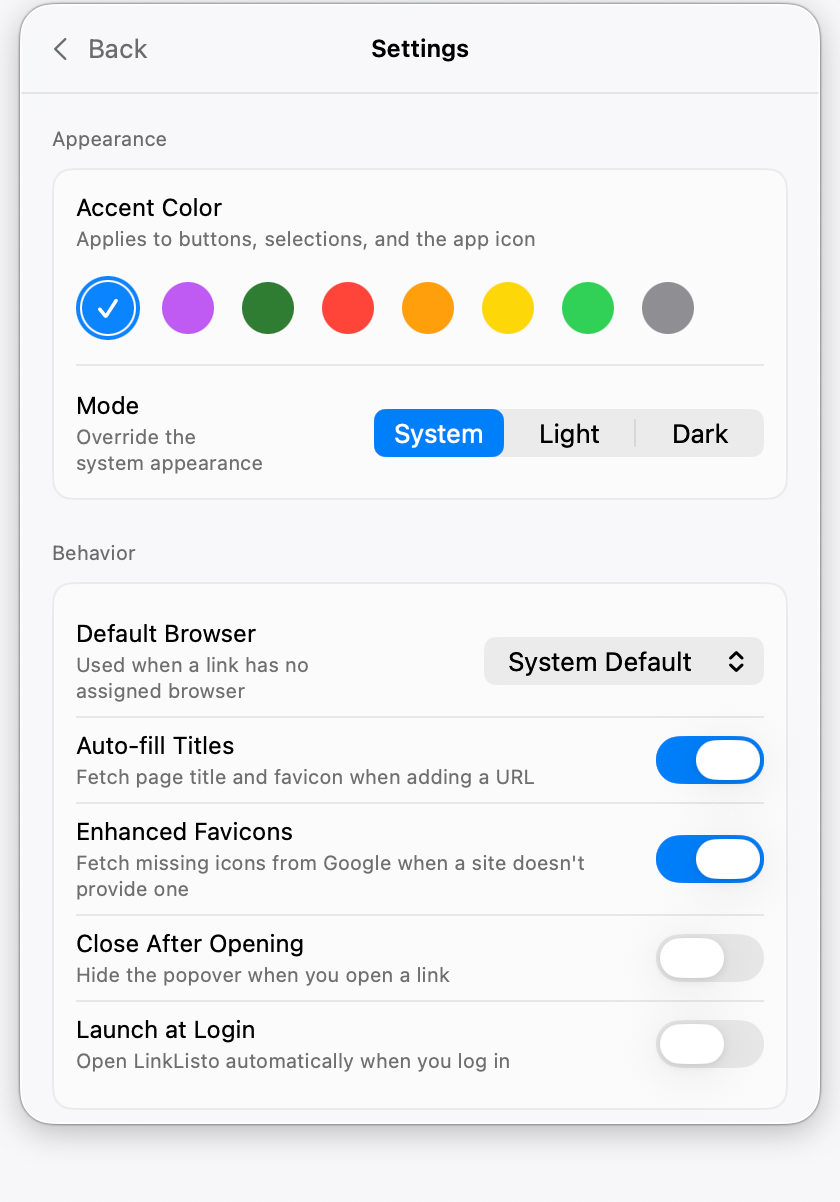
Safari, Chrome, Firefox, Arc, Edge, Brave — assign any installed browser to each link. Keep banking in its own browser, if that’s how you like it.
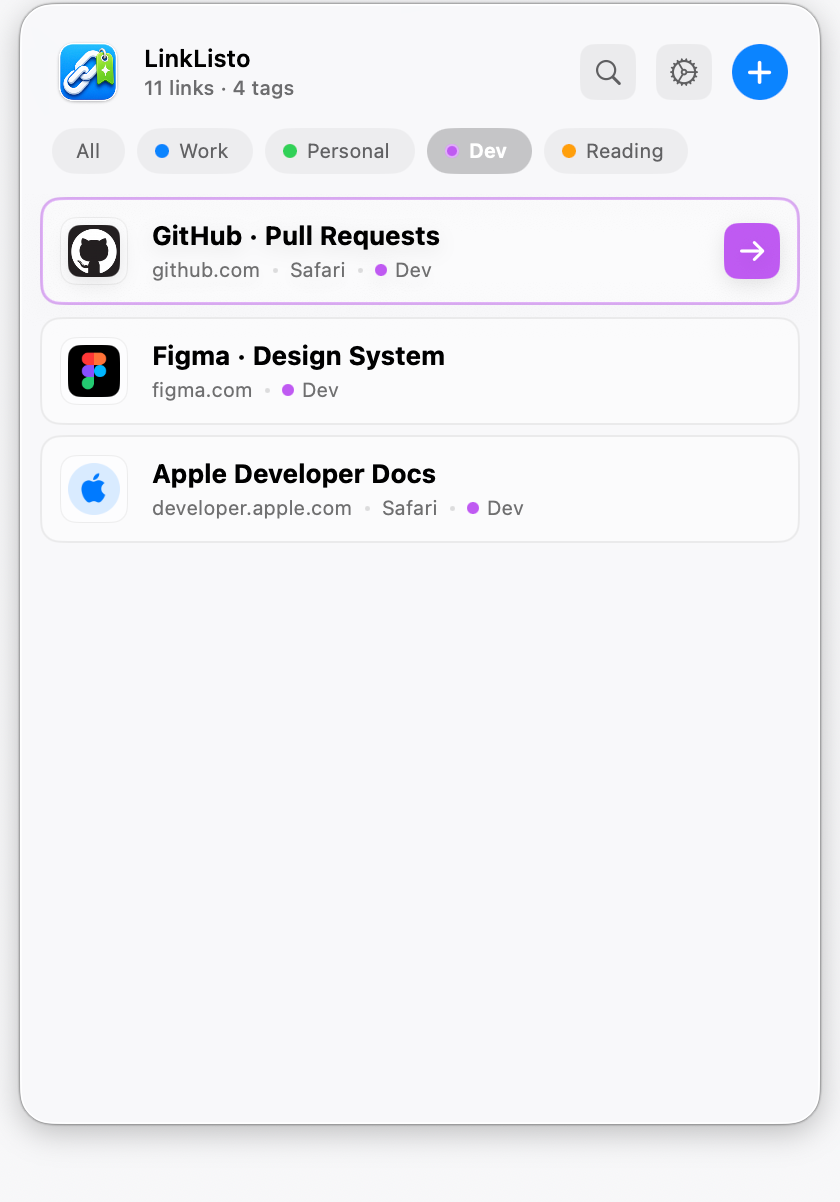
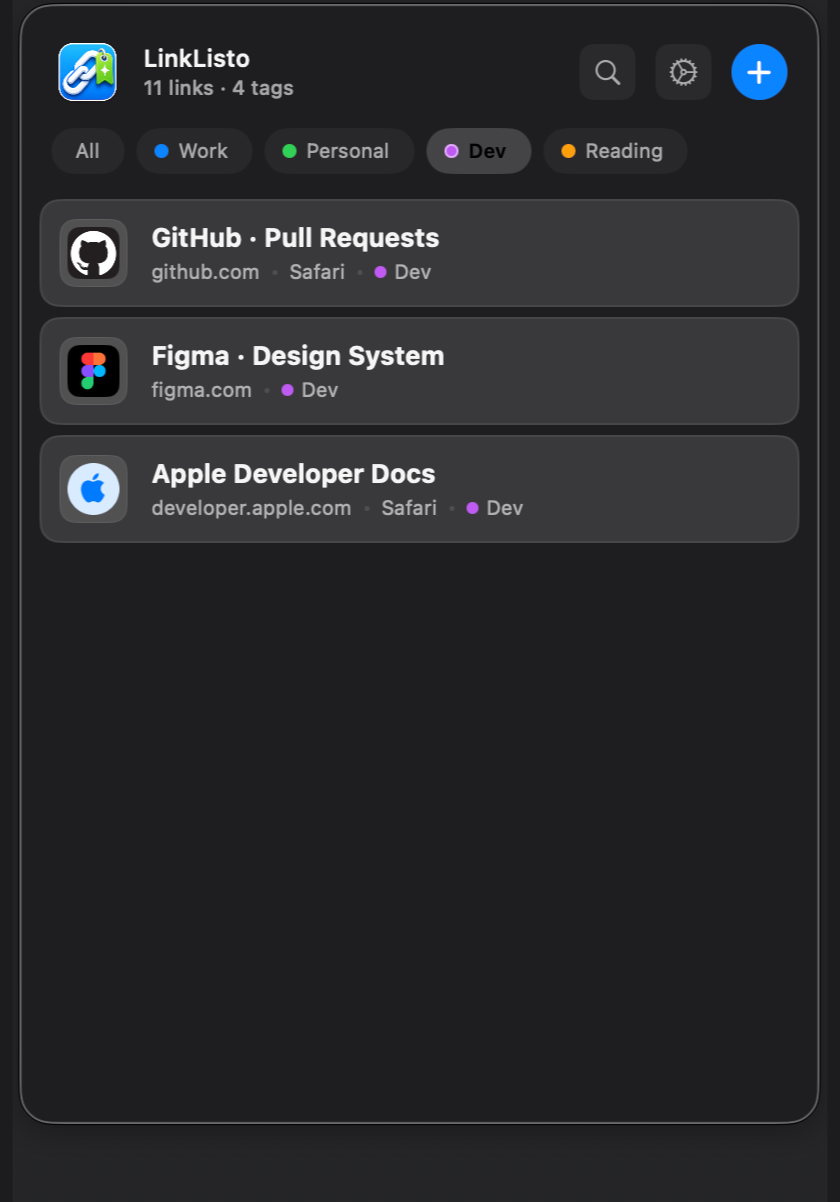
Group links with colored tags, filter the list with one click, or open every link in a tag at once.
Once the popover is open, you never need the mouse — arrow keys, Return, and 1–9 open your top links. All the shortcuts are in the Guide.
Paste a URL and LinkListo fetches the page title and site icon for you.
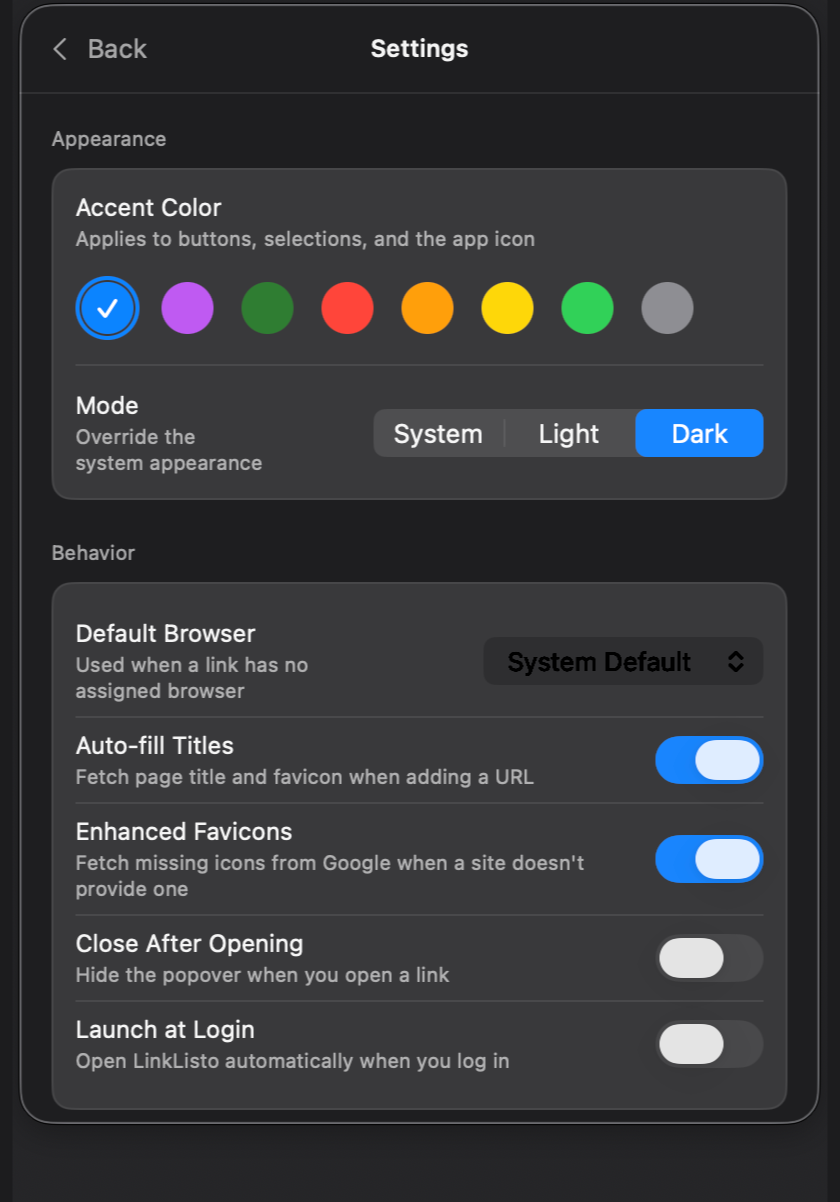
The menu bar is there on every desktop and in every full-screen app. Set LinkListo to launch at login and forget it isn’t part of macOS.
Your links stay in a file on your Mac. Nothing is synced, nothing is tracked, and there is no account.
Free · macOS 26 or later